

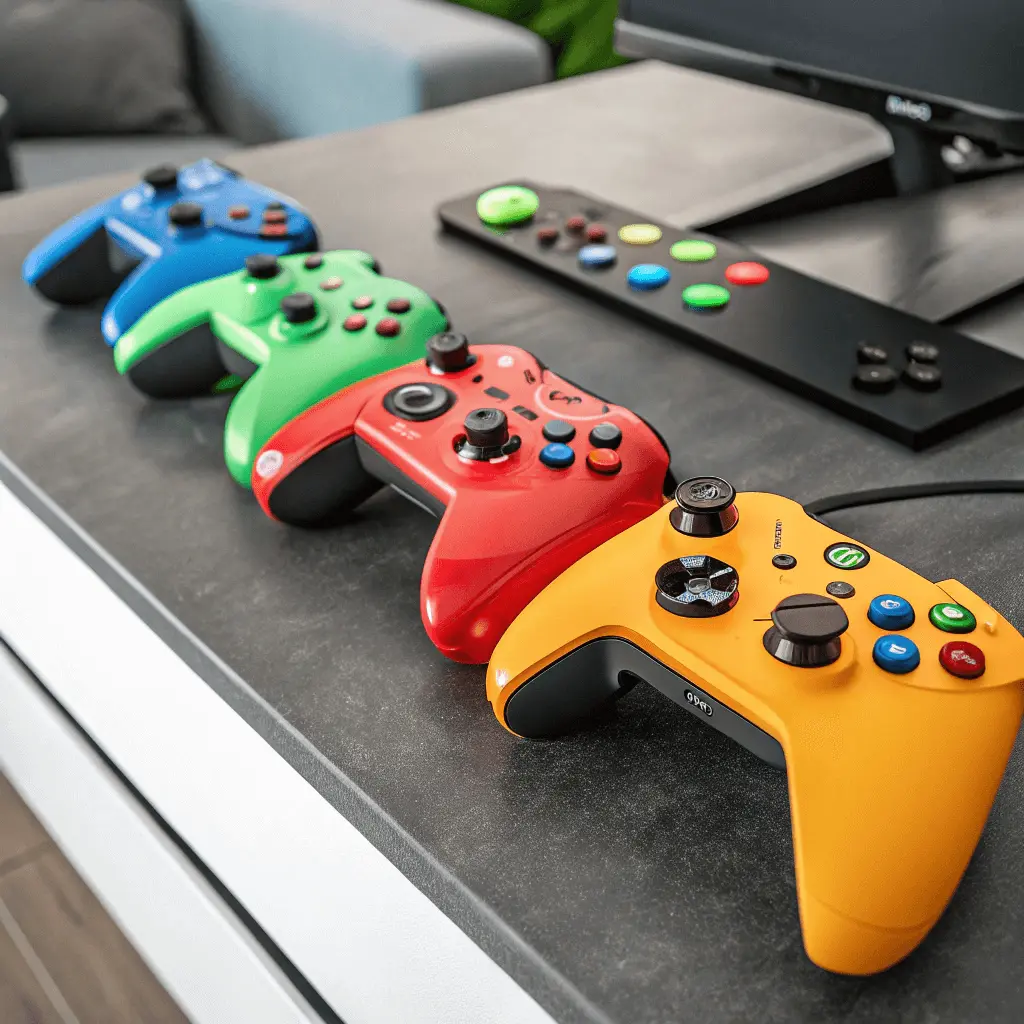
Creating a home gaming space today goes far beyond simply placing a desk and a computer in an empty corner of a room. Gaming has evolved into a serious hobby, a competitive activity, and in some cases even a professional pursuit that requires proper conditions. Players spend long hours in front of screens, interacting with complex interfaces, reacting quickly, and maintaining concentration for extended periods of time. In such circumstances, the environment plays a decisive role in both physical comfort and mental focus.
A well-designed gaming space can significantly improve performance, reduce fatigue, and make long sessions more enjoyable and productive. It also helps prevent common problems such as eye strain, back pain, and loss of concentration. At the same time, the gaming area should not feel sterile or purely functional. It should reflect personal taste, inspire creativity, and motivate the player to return to it every day. In this article, we will explore how to create a home gaming environment that successfully balances practicality, comfort, and inspiration.
Choosing the right location and layout
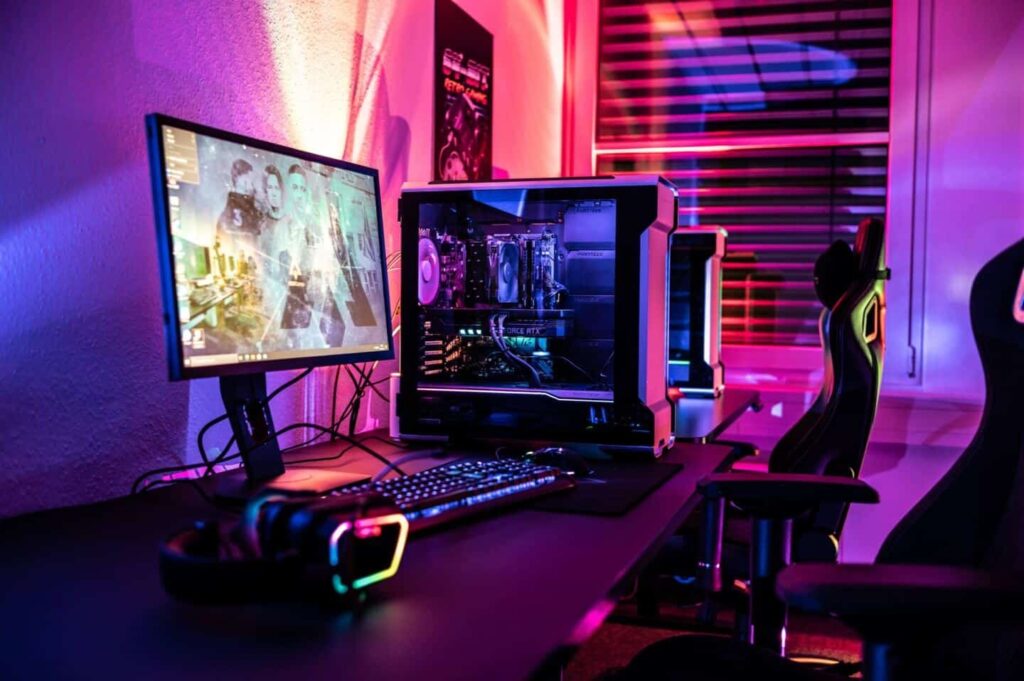
The foundation of any successful home gaming space is the choice of location. Ideally, this should be a quiet area of the home where external distractions are minimized. Constant noise, frequent interruptions, or heavy foot traffic can negatively affect focus, especially during competitive matches or intense gameplay. Even casual gaming becomes less enjoyable when the environment feels chaotic or uncomfortable.
Natural light is an important factor when selecting a location, as it positively affects mood and reduces eye fatigue. However, it is crucial to avoid direct sunlight hitting the monitor, as glare can make it difficult to see details on the screen and cause unnecessary strain. Windows placed to the side of the desk rather than directly in front or behind it usually provide the best balance. Curtains or blinds can also help control light levels throughout the day.
When planning the layout, it is essential to think about how the space will be used on a daily basis. The desk should provide enough room for monitors, peripherals, and accessories without feeling overcrowded. There should be sufficient space to move freely, adjust seating position, and access equipment without obstacles. Proper ventilation is equally important, as gaming hardware generates heat, and poor airflow can lead to discomfort and reduced equipment lifespan.
Many gamers who actively follow esports tournaments and league news are familiar with how professional players perform in carefully controlled environments. Training rooms and stage setups are designed to eliminate distractions, maintain order, and optimize comfort. While a home setup does not need to replicate a professional arena, applying similar principles—such as clean organization, clear zoning, and efficient use of space—can greatly improve the overall experience.
Ergonomics: health and long-term comfort
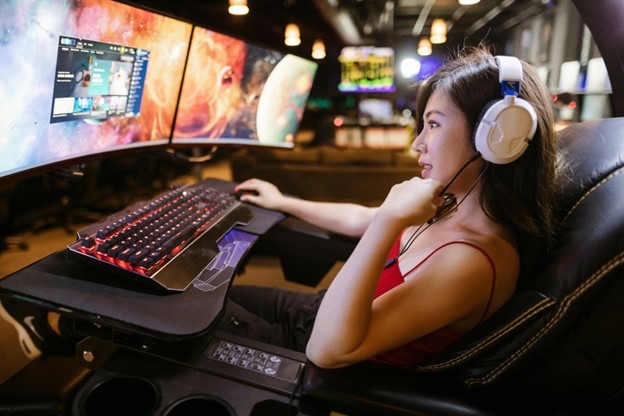
Ergonomics is one of the most critical aspects of a home gaming space, especially for players who spend several hours a day at their setup. Poor posture and improper equipment placement can lead to chronic discomfort and long-term health issues. A high-quality chair with proper lumbar support helps maintain the natural curve of the spine and reduces pressure on the lower back. Adjustable height and backrest options allow the chair to adapt to the user rather than forcing the user to adapt to the chair.
Monitor positioning is equally important. The top of the screen should generally be at or slightly below eye level, allowing the neck to remain in a neutral position. A monitor placed too high or too low can cause neck strain and headaches over time. The distance between the eyes and the screen should be comfortable enough to read text clearly without leaning forward, which often leads to poor posture.
Keyboard and mouse placement also affects comfort and performance. Hands should rest naturally, with elbows bent at a relaxed angle and wrists kept straight. Adjustable armrests, mouse pads with wrist support, and keyboard trays can help achieve a more natural position. Over time, these small adjustments significantly reduce strain on joints and muscles.
Although ergonomic equipment may require a higher initial investment, it pays off in the long run. Players who prioritize comfort are more likely to maintain focus, avoid injuries, and enjoy gaming as a sustainable activity rather than a source of physical discomfort or fatigue.
Lighting and atmosphere
Lighting has a direct impact on both visual comfort and emotional state. Poor lighting conditions can lead to eye strain, headaches, and reduced concentration, especially during long gaming sessions. Soft ambient lighting helps reduce contrast between the bright screen and the surrounding environment, making it easier for the eyes to adapt. This is particularly important in dark rooms, where a single bright monitor can quickly cause discomfort.
Task lighting, such as adjustable desk lamps, provides focused illumination for activities like adjusting equipment, reading notes, or using a keyboard in low-light conditions. The key is to avoid harsh shadows and overly bright light sources that create glare on the screen. Diffused light and indirect illumination usually work best for gaming environments.
Many modern gaming spaces incorporate LED strips or smart lighting systems that allow users to customize colors and brightness levels. These elements can enhance immersion and create a unique atmosphere that matches the tone of a specific game. However, lighting effects should remain subtle and supportive rather than distracting. Excessively bright or constantly changing colors may look impressive at first but can quickly become tiring during extended sessions.
Color temperature also plays a role in setting the mood. Warm tones are often associated with relaxation and are suitable for casual gaming or evening play. Cooler tones promote alertness and concentration, making them a better choice for competitive matches or practice sessions. A balanced lighting setup allows players to adjust the environment according to their needs and preferences.
Sound, acoustics, and immersion
Sound is a key component of immersion, yet it is often overlooked when designing a home gaming space. High-quality audio allows players to react more quickly to in-game cues, such as footsteps, environmental changes, or directional sounds. Whether using headphones or speakers, clarity and balance are more important than sheer volume.
In shared living spaces, controlling sound becomes especially important. Headphones provide an effective solution, offering immersive audio without disturbing others. For those who prefer speakers, simple soundproofing measures can significantly improve acoustics. Rugs, curtains, wall panels, and even bookshelves help absorb sound reflections and reduce echo, creating a clearer audio environment.
Good acoustics also improve communication in multiplayer and team-based games. Clear voice chat reduces misunderstandings and enhances coordination, which can directly affect performance. A controlled sound environment gives the gaming space a more professional feel, similar to training rooms used by esports teams, where communication and audio precision are treated as essential elements.
Personalization and inspiration
Beyond technical considerations, a gaming space should feel personal and inspiring. Personalization transforms a functional setup into a place where players genuinely enjoy spending time. Decorations such as posters, collectibles, or framed artwork can reflect favorite games, teams, or genres without overwhelming the space.
It is important to avoid excessive clutter, as too many visual elements can become distracting. Minimalistic design often works best, allowing selected items to stand out and give the space character. Inspiration usually comes from thoughtful details rather than sheer quantity.
Natural elements like plants can add warmth and balance to a gaming setup dominated by screens and electronics. Artwork, themed accessories, or subtle color accents help create a sense of identity and comfort. When the environment feels personal and welcoming, gamers are more likely to stay motivated, practice consistently, and enjoy both casual and competitive experiences.
Conclusion
Designing a home gaming space is a deliberate and thoughtful process that combines comfort, functionality, and inspiration. By carefully selecting the location, planning an efficient layout, and prioritizing ergonomics, players create a foundation for long-term comfort and health. Proper lighting and sound enhance immersion and focus, while personalization adds character and motivation.
A well-planned gaming setup does more than improve performance; it supports overall well-being and makes gaming a more enjoyable part of everyday life. Ultimately, the best home gaming space is not defined by expensive equipment or trends, but by how comfortable, inspiring, and uniquely suited it is to the individual who uses it.